novitckii
← All resources
Gated system · IG carousels2 skillsGPT Image 2Video breakdown

Claude sucks at carousels. This is the system that fixes it.

Not because it can't do it — because it has no system and no taste. Ask for a carousel and you get walls of text and 2015-PowerPoint design. I fixed it with two skills and one workflow: carousel-copy plans every slide, design-taste bakes a design system into every image prompt. Here's the whole thing — the process, the prompts, and both skills as files.

You commented carousel — here's the entire system: both skills, the full written guide, and the exact process I run. Nothing held back.

The system

Copy decides structure. Design amplifies it.

Every bad carousel starts the same way: someone opens an image tool and starts designing a structure that was never planned. So the first move has nothing to do with images. The short version:

  • 1. Plan the copy first with /carousel-copy.
  • 2. Give Claude taste with /design-taste.
  • 3. Generate 3 hook variants, iterate until one stops your scroll.
  • 4. Lock a visual anchor and clone it across every value slide.
  • 5. Give the CTA the same treatment as the hook.
The process · 6 steps

The long version.

Idea in, finished carousel out. Roughly an hour for a 7-slide carousel once the skills are installed — most of it spent on hook iterations, which is exactly where the time should go.

01
Skill · /carousel-copy

Plan every slide

Give it an idea, get back a complete slide plan: slide count, exact text per slide, and a one-line visual direction for each. It enforces the rules I learned the hard way:

  • Hook = the pain point, zero setup. Two lines max, no subtitle explaining what's coming.
  • No framework slide. Slide 2 delivers the first payoff — it never restates the promise.
  • One idea per slide. If you need “and” to describe it, it's two slides.
  • 25 words max per slide. Long text is what image models mangle — anything longer becomes a diagram.
  • Every slide specifies its visual. Rules and comparisons live in diagrams, not paragraphs.
  • The CTA gets hook treatment. One action, stated plainly.
02
Skill · /design-taste

Give Claude taste

Image models have no design opinion — they'll happily give you cramped text, three accent colors, and gradients from 2021. So I hardcoded my taste into a second skill that injects a design system into every image prompt automatically: generous margins, one dominant element per slide, one accent color used sparingly, bold condensed titles, visual metaphors over paragraphs, and recurring furniture (a step label, a page arrow) on every slide.

iThe magic line in every prompt: quote the exact text and add “render this text exactly, no other words.” Image models are good at text now, but they still improvise if you let them.
03
The bridge

Connect Claude to an image model

People overcomplicate this. Claude does the thinking (copy, prompts); the image model does the rendering. The bridge can be as dumb as two browser tabs. Three options, easiest first:

  • A — ChatGPT (start here). GPT Image 2 is best-in-class at text in images and it's right inside ChatGPT, free tier included. Claude gives the prompt, you paste it, attach references, generate. No API keys.
  • B — Higgsfield MCP (what I use). An MCP connector lets Claude call the image model directly — prompt, generate, iterate, all in one chat. A bit more setup, multiple models in one place.
  • C — API routes (for builders). In Claude Code, wire gpt-image-2 via the OpenAI API or fal.ai / Replicate and script the whole pipeline. Overkill for your first one; nice once you're producing weekly.
04
The hook

Generate 3 hooks, not 1

The hook is the most important image in the carousel, so it never gets one attempt. Collect 2–3 reference slides you love (to steal the feeling, not copy), have Claude write 3 structurally different hook prompts — different layouts and metaphors, not color swaps — generate all three with your references attached, then iterate on the one that stops your own scroll.

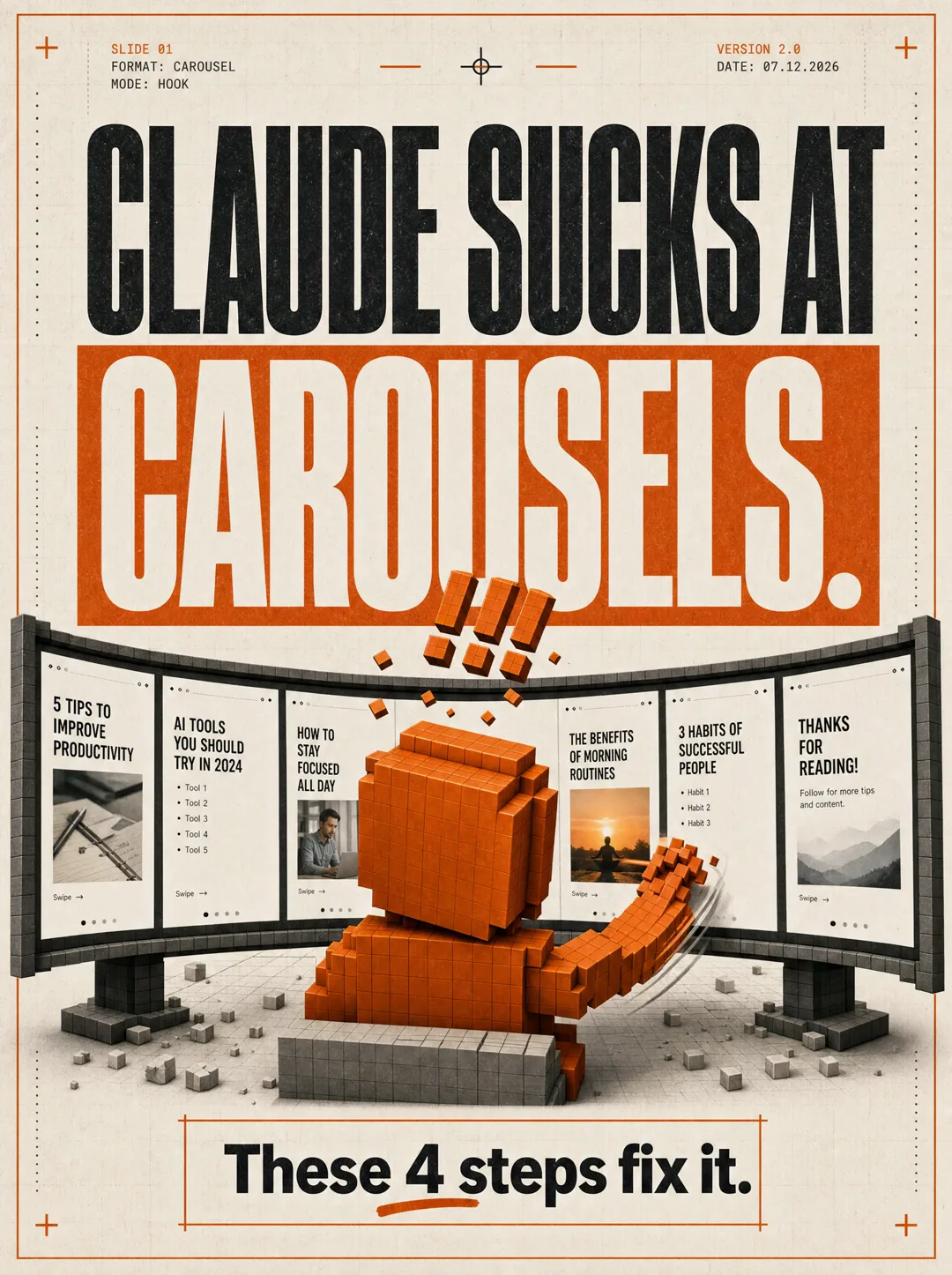
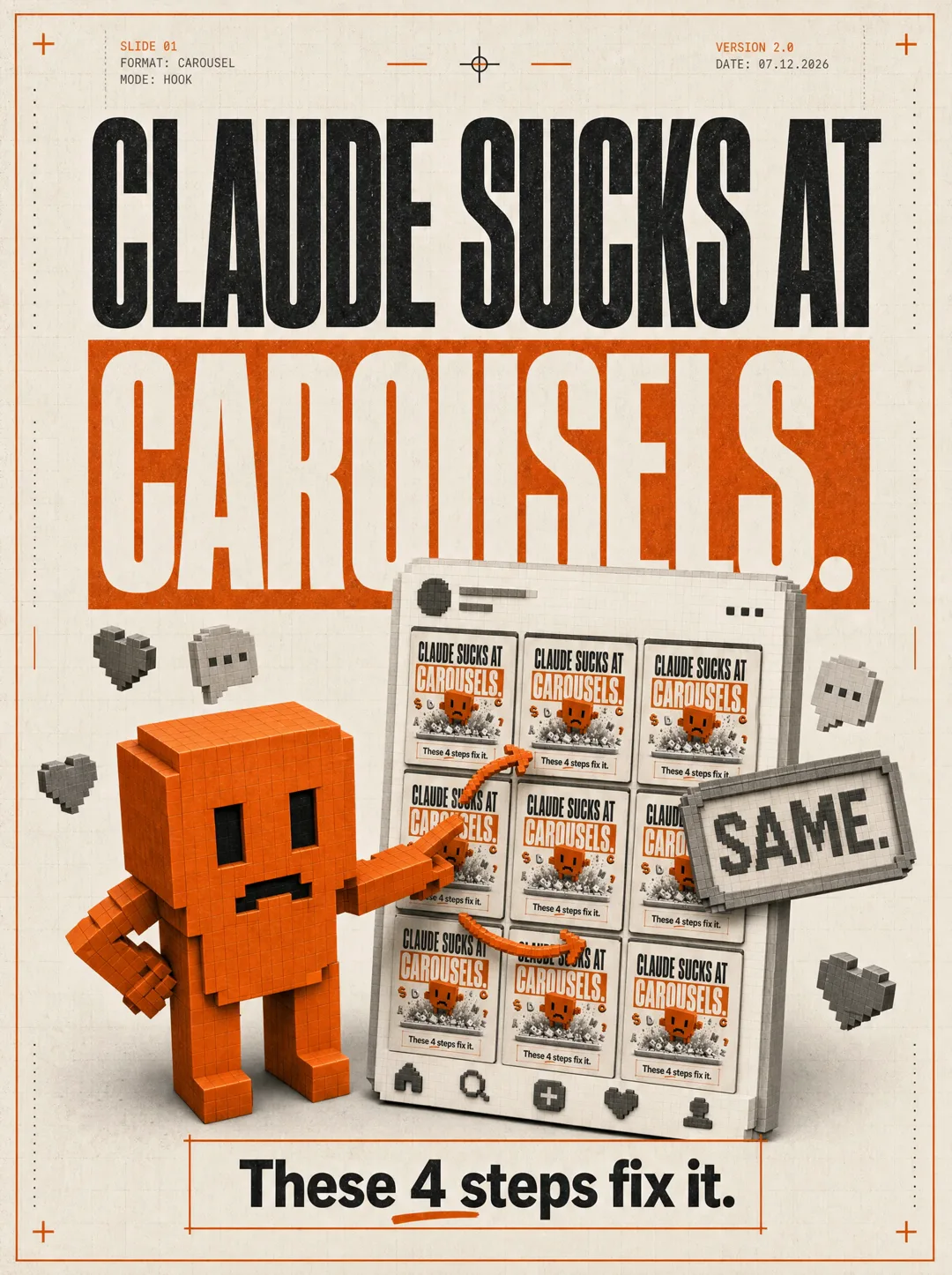
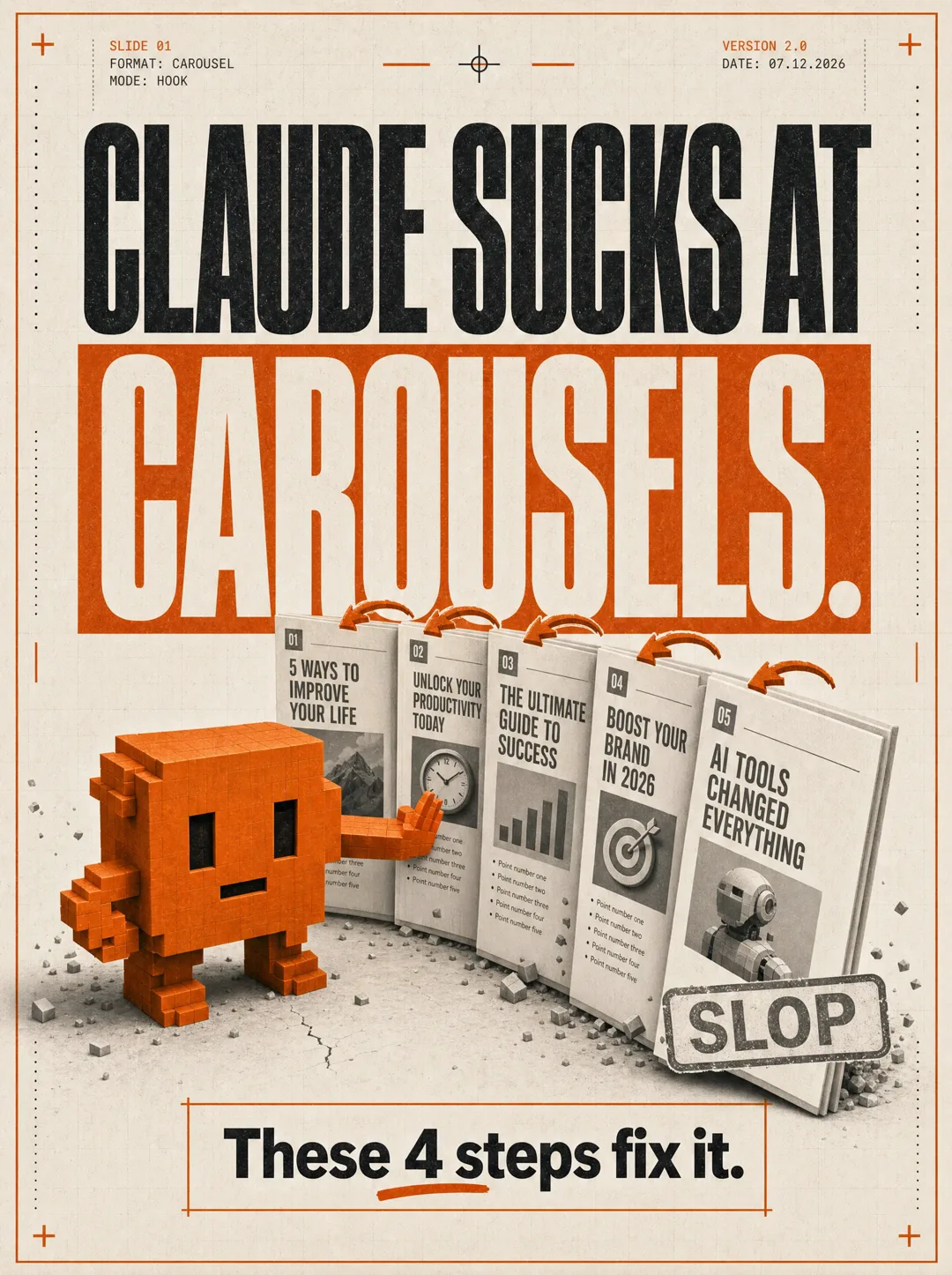
Hook variant 1 — the mascot toppling a row of slop carouselsHook variant 2 — the mascot punching through a wall of carousel screensHook variant 3 — the mascot pointing at a grid of identical carousels

The 3 hook variants for this exact carousel — same copy, three different visual bets. Pick the one that stops your own scroll, then iterate rounds on that one.

  • Misspelled text? Cut words or go bigger — don't just re-roll.
  • Busy layout? Remove one element. Diagrams need three components max.
  • Two to four rounds is normal. On round seven? The prompt is wrong, not the model.
05
The consistency trick

Lock the anchor

This is what makes a carousel look like one designer made it, not six random generations stapled together. Run the same 3-variant process on your first value slide, pick the winner — that image is now your anchor. For every remaining value slide, attach the anchor as a reference and prompt: match this layout, typography, palette, and spacing exactly; change only the text and the diagram. If a slide drifts, re-attach the anchor and add "do not change the layout, type, palette, or margins."

06
The close

The CTA is a hook

The last slide is the one people share, screenshot, and act on — so it gets the exact same treatment as the hook: 3 structurally different variants, iterate, pick the winner. Keep it in the same visual family, but let it break the layout for emphasis. One rule on the copy: one action only. Comment a keyword, or tap the link, or follow — never two. Every extra option cuts your conversion.

The kit

Both skills + the full guide.

carousel-copy handles the slide plan; design-taste handles the prompts, the design system, and the anchor workflow. Both are deliberately generic — my brand choices live in clearly marked "edit this" blocks, so swap in your palette and fonts and the logic still holds.

iInstall: in Claude Code / Cursor, drop each into ~/.claude/skills/<name>/SKILL.md and restart. In the Claude app, upload each as a skill. Or just paste a skill's contents at the top of a chat — it works as a one-off prompt too.
Go deeper

I walk through the whole thing — copy, taste, hook variants, and the anchor — in the full video breakdown. Make one with it, then tag me on Instagram — I repost the good ones — or bring it to the weekly call on Skool. Now go make Claude good at carousels.

Get the carousel system — free

Drop your email and both skills, the guide, and the prompts unlock instantly — plus every other resource in the library. One email a week, unsubscribe anytime.

See it in action

Watch me run this system in ChatGPT (no code).

The whole thing, start to finish — copy with the skills, then the hook variants and the visual anchor in ChatGPT. No terminal, no setup.

Keep going

Carousels are the most slept-on format.

One email a week with the systems, skills, and content workflows that actually move — the exact steps, while they still work.