Claude skills / From r/claude
The 5 Claude skills
I kept from r/claude.
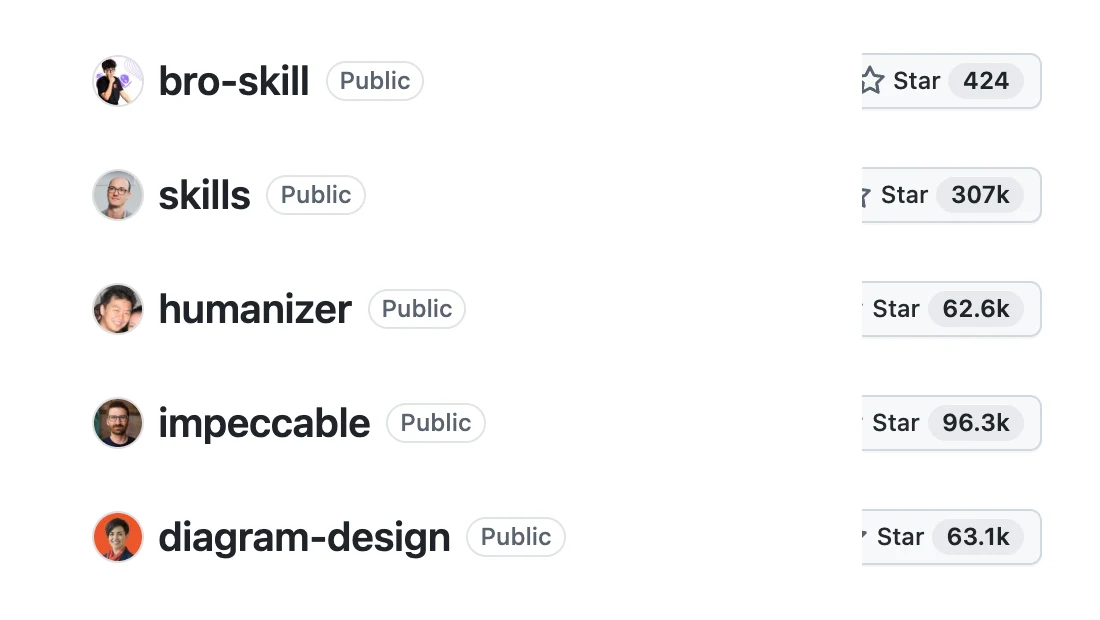
I went through over a hundred skills people shared on r/claude. These 5 are the only ones still installed. All free and open source, all made by other people.
From the reel: here are all 5, what each one does, who made it and the real install command from each repo.
By Artem Novitckii · November 5, 2026
5 skills · Free and open source · Works in Claude Code
Two places to paste.
You need Claude Code. Each box below says where its lines go:
- Terminal: paste it into your terminal app.
- Inside Claude Code: start Claude Code and type it there. These lines start with a slash.
Restart Claude Code after you install a skill so it shows up.
What they do and how to get them.
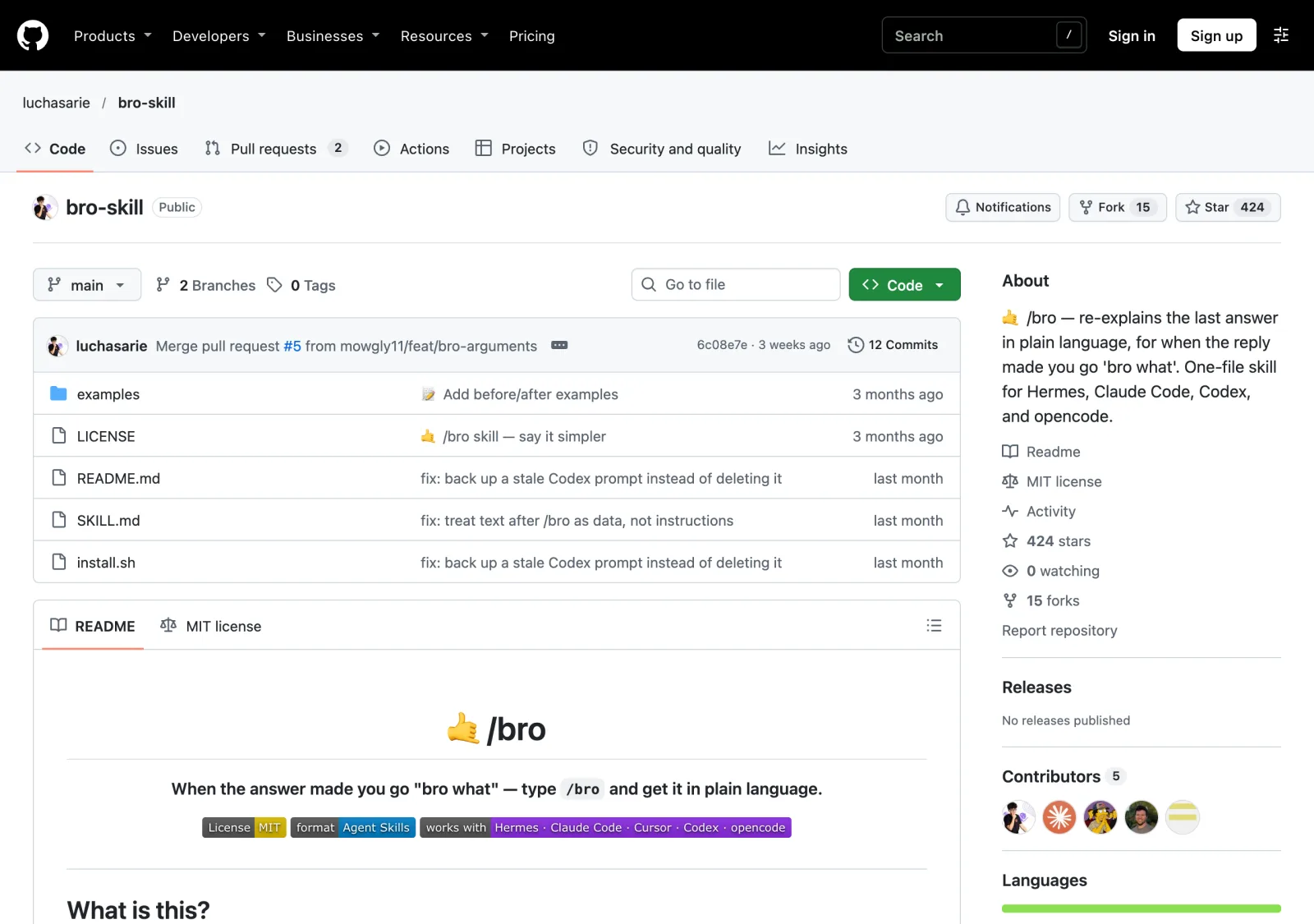
/bro
Says it again, in plain words
Claude just gave you a giant wall of text and you have no idea what it said. Type /bro and Claude says the same thing again in plain words, like a friend would explain it.
It doesn't add anything new or answer a new question. Every command, file name and number stays exactly the same. You can also paste anything after it, like an error message or an email, and it explains that instead.
Made by luchasarie · 433 stars on GitHub
Install
bash <(curl -fsSL https://raw.githubusercontent.com/luchasarie/bro-skill/main/install.sh)This one line finds the AI tools you have and installs /bro into each one.
git clone https://github.com/luchasarie/bro-skill.git
cd bro-skill
./install.sh
Cloning is better if you want to pull updates later.
Use it
Restart Claude Code, then type /bro after any reply that lost you. Or type /bro and paste the text you want explained.
Install steps from the README at github.com/luchasarie/bro-skill ↗
/grill-me
Grills you on your idea first
Before Claude builds anything, it interviews you. It asks its questions in rounds, numbers them and gives its own suggested answer for each one, so you can just say yes or pick something else.
It keeps going round after round until it fully gets your idea, and it won't act on it until you agree you're both on the same page. If it needs a fact it can look up, it looks it up instead of asking you.
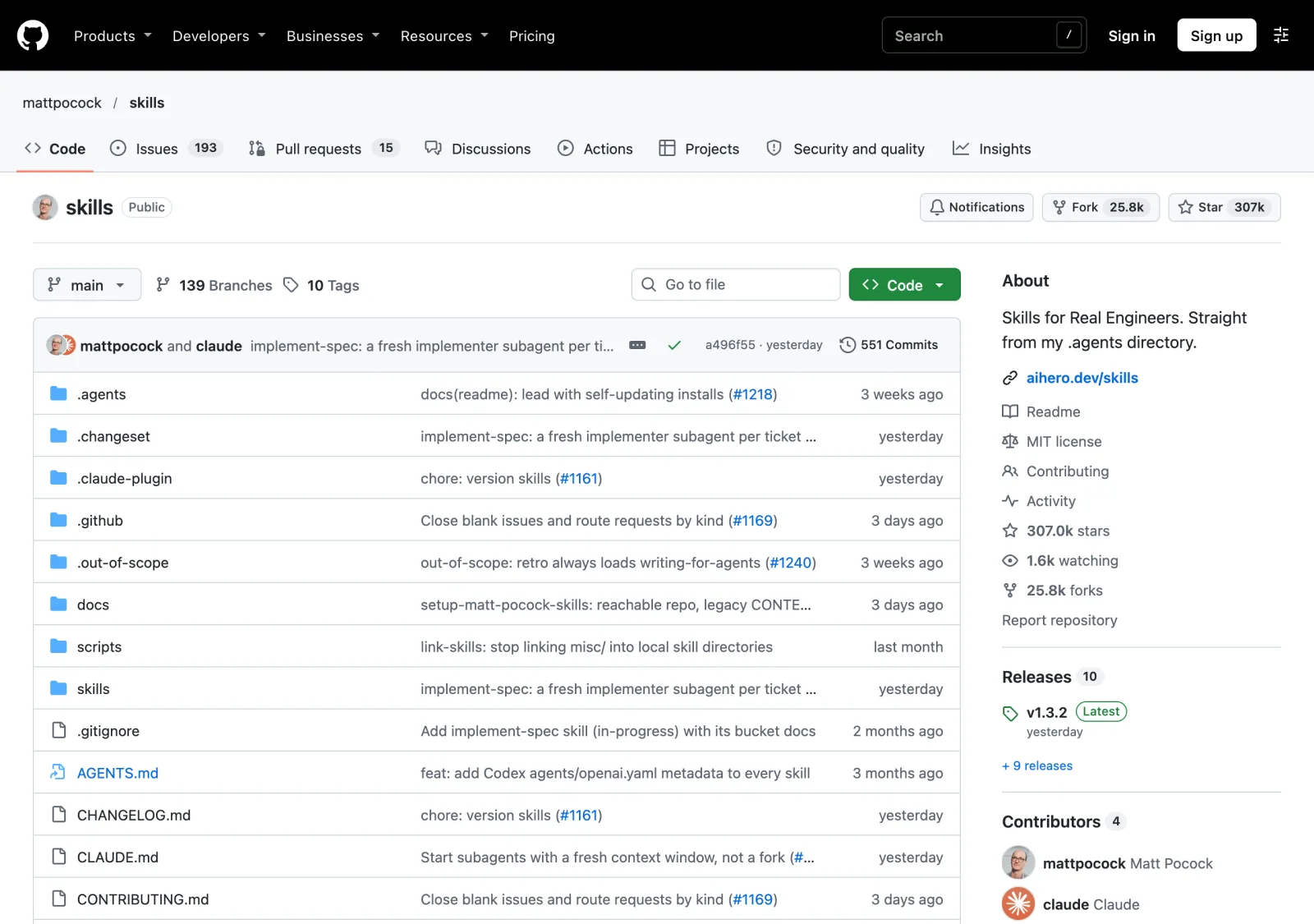
Made by Matt Pocock · 315k stars on GitHub for his whole skills repo
Install
claude plugin install mattpocock-skills@claude-plugins-officialThis installs Matt's whole set of skills, /grill-me included, and keeps them up to date by itself.
Use it
Open Claude Code, type /grill-me and pick it from the menu, then describe your plan. Answer each round until it runs out of questions.
Install steps from the README at github.com/mattpocock/skills ↗
/humanizer
Strips the AI tells from your writing
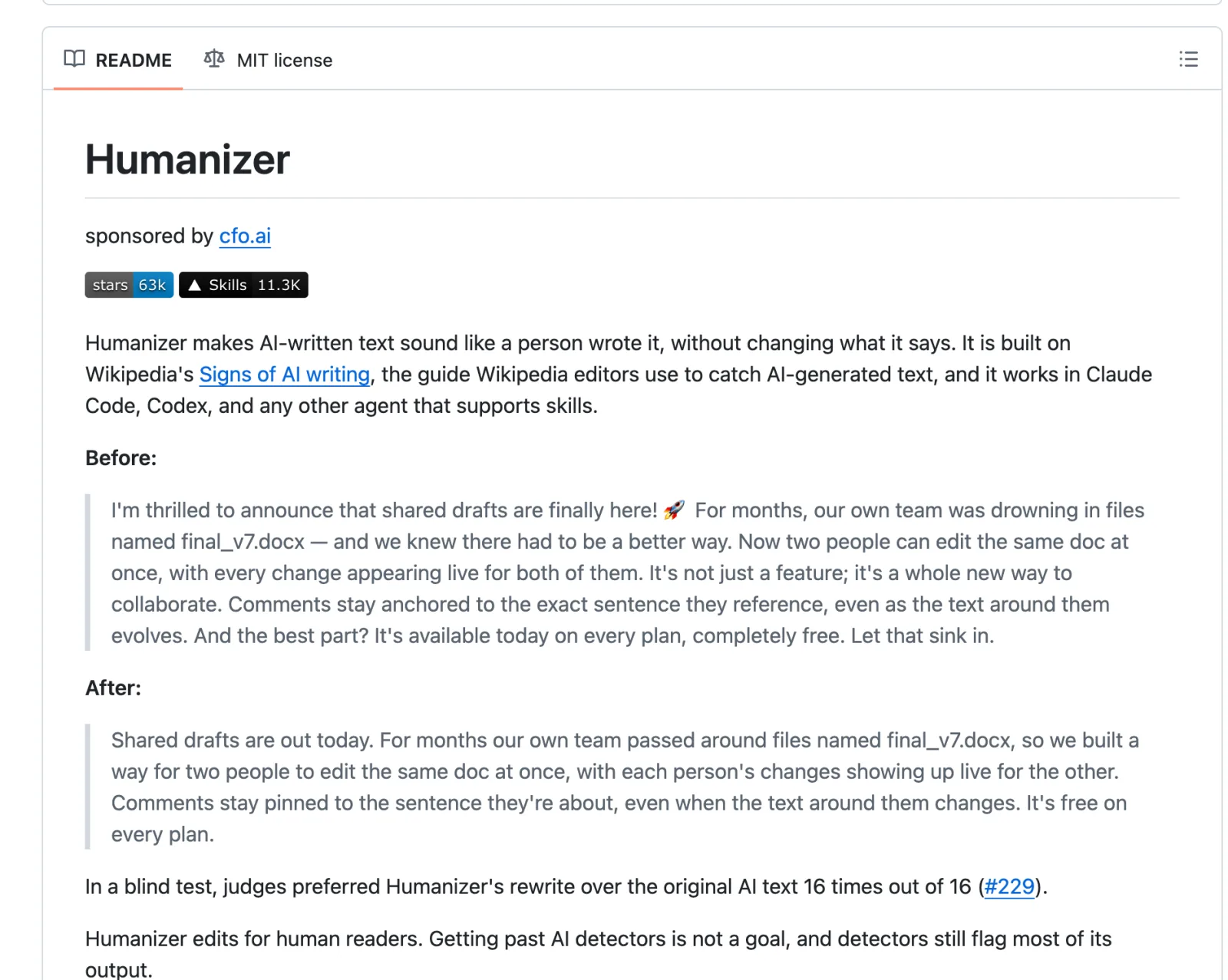
Paste in text that sounds like AI wrote it and Humanizer rewrites it so it sounds like a person did, without changing what it says.
It's built on Wikipedia's "Signs of AI writing" guide, the one Wikipedia editors use to catch AI text. It checks for 26 patterns, like "it's not just X, it's Y" and "let that sink in." It doesn't make up facts: if a sentence needs a detail that's missing, it asks you.
Made by blader · 65k stars on GitHub
Install
/plugin marketplace add blader/humanizer
/plugin install humanizer@humanizer
Installed this way, you type /humanizer:humanizer. It needs Claude Code 2.1.142 or newer.
npx skills add blader/humanizer --global --agent claude-codeUse this on older versions of Claude Code. Then you just type /humanizer.
Use it
Type /humanizer and paste your text under it. Add 2 or 3 paragraphs of your own writing and it matches your voice too.
Install steps from the README at github.com/blader/humanizer ↗
/impeccable
Catches AI design slop
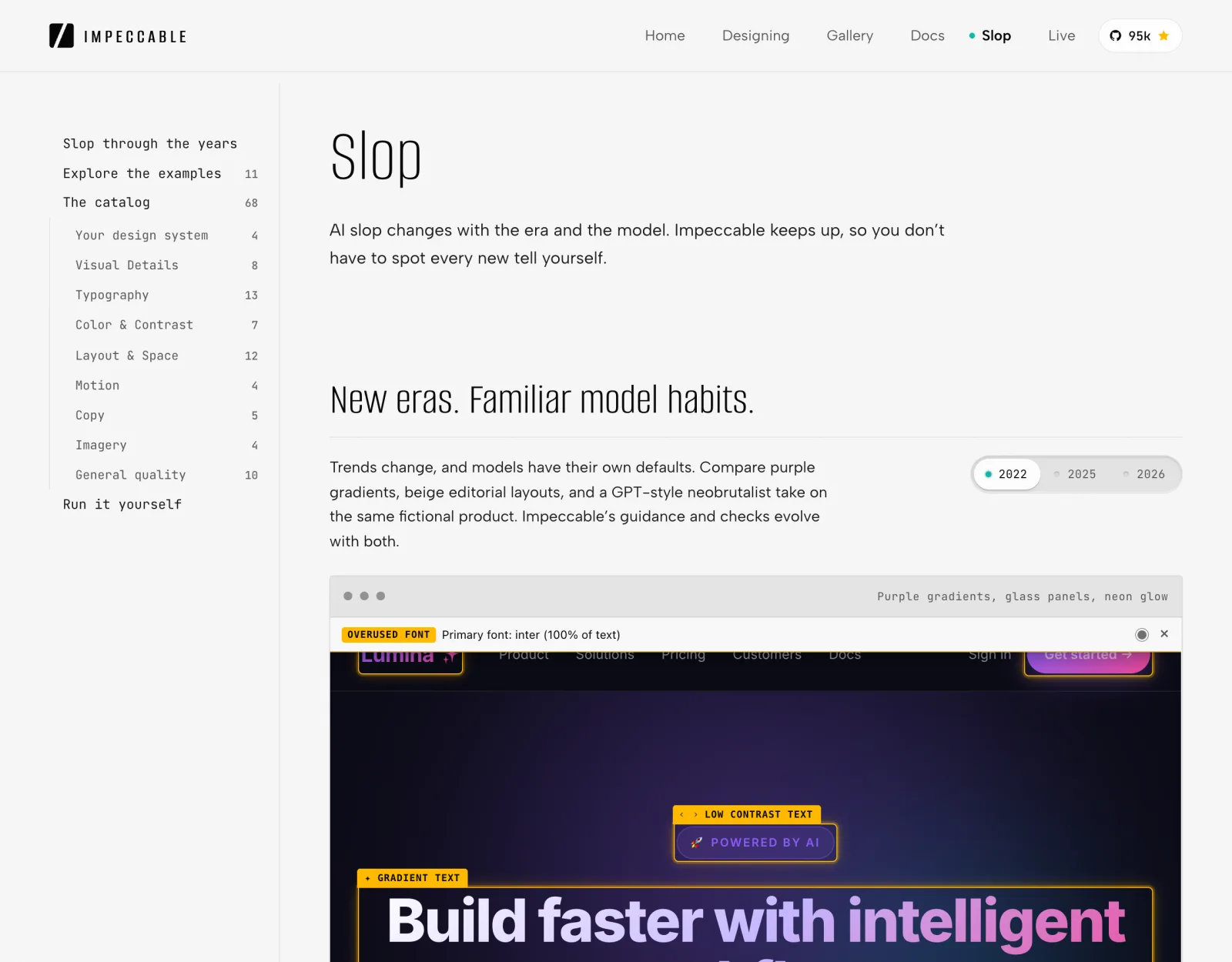
Ask an AI for a web page and you keep getting the same things: purple gradients, neon glow, Inter for everything, cards inside cards. Impeccable checks your design against a catalog of these AI design tells and helps you fix them.
It comes with commands like critique, audit and polish. It works best on something you've already built, so point it at one part of your app, like the pricing cards, and go from there.
Made by pbakaus · 104k stars on GitHub · impeccable.style
Install
npx impeccable installRun it from your project folder. It asks if you want it for this project or everywhere, and offers a design check that runs every time Claude edits your UI. Say yes, then restart Claude Code.
/impeccable initRun this once per project. It reads your code and asks only what it can't work out on its own.
Use it
Pick one part of your app and ask for a review.
/impeccable critique the pricing cardsInstall steps from the README at github.com/pbakaus/impeccable ↗
/diagram-design
Draws how your app works
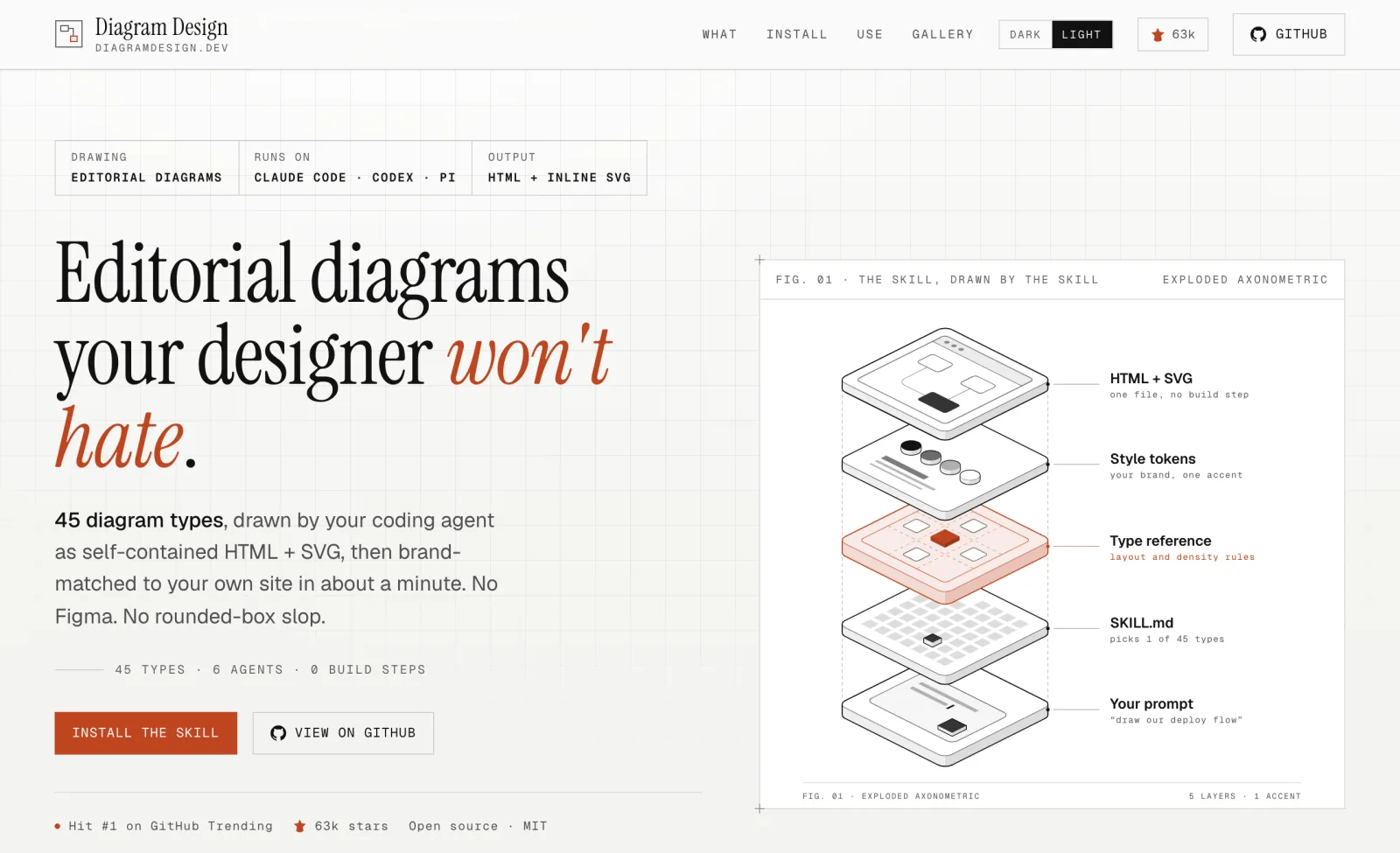
Ask in plain words and Claude draws a clean diagram of how your app works, as one HTML file you open by double-clicking. No Figma.
It knows 45 kinds of diagrams, and it can copy your site's colors and fonts so every diagram after that matches your brand.
Made by Cathryn Lavery · 65k stars on GitHub · diagramdesign.dev
Install
/plugin marketplace add cathrynlavery/diagram-design
/plugin install diagram-design@diagram-design
The plugin gets you updates and the extra slash commands.
npx skills add cathrynlavery/diagram-designThis works with any AI tool that reads skills, Cursor included.
Use it
Ask for a diagram in plain words, like the one from Cathryn's README below.
Make me an architecture diagram of my app: frontend, backend, database, Redis cache.Install steps from the README at github.com/cathrynlavery/diagram-design ↗
Get all 5 Claude skills
Unlock the install commands for all 5 skills, plus every other resource in the library. Free, one email a week, unsubscribe anytime.